By Rftech RF Engineering Team. Reviewed for antenna selection, RF integration, and cellular connectivity use cases.
If your home 5G or LTE router is slow or keeps dropping, the fix is usually an external antenna that covers your carrier’s bands, matches your router’s antenna ports, and points the right way for your location. Get those three right and most of the problem goes away. The wrong antenna — wrong band, wrong connector, or aimed at nothing — won’t help no matter how high its gain.
This guide goes through the choice in the order that matters: whether you need an antenna at all, the types to pick from, the specs that decide performance, and the setup for a few common situations. For specific models, see our guide on the best 5G MIMO antennas.
Quick answer: which antenna for which situation
| Situation | Antenna to look at |
|---|---|
| Decent signal, just want more speed and stability | Indoor or low-profile omni MIMO |
| Weak signal, you know the tower direction | Outdoor directional panel, higher gain |
| Signal varies, or you switch carriers | Outdoor omni MIMO |
| Moving (RV, vehicle) | Low-profile screw-mount omni MIMO |
The pattern below holds for almost every case: match the bands, then choose omni or directional for your location, then match the router’s ports and connector.
Do you even need an external antenna?
Not always. If the router already shows a strong signal and your speeds are fine, an antenna adds little. It earns its place when the signal is weak or unstable, the router sits in a metal or concrete spot, you are far from the tower, or you need a steady link for work and calls.
Check the router’s signal stats first. Most 5G and LTE routers report RSRP and SINR in their admin page. Those two numbers tell you whether an antenna can help and roughly how much. If signal is already strong and speed is still poor, the bottleneck is probably the network, not your antenna.
Antenna types for home and router internet
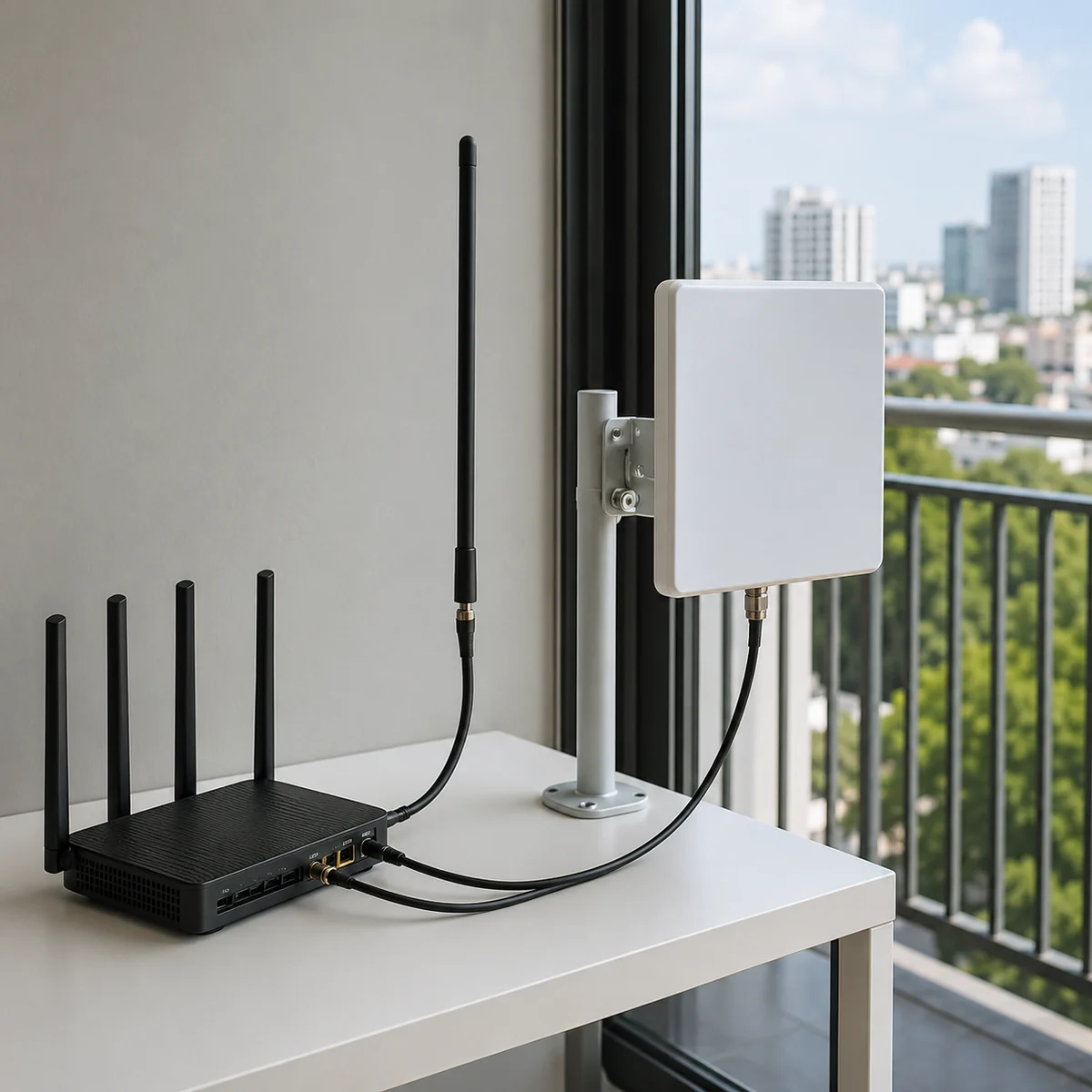
- Indoor vs outdoor. Outdoor almost always wins, because it escapes the loss through your walls and gains height. Indoor is easier to install but limited by the building.
- Omni vs directional. Omni covers every direction, so there is nothing to aim and it handles multiple carriers or a signal that moves around. Directional concentrates toward one tower for more reach, but it has to be aimed.
- Single vs MIMO. Modern routers use MIMO with two or four antenna ports. A MIMO antenna matches them; a single antenna leaves that capacity unused. If you want the background, see What Is a 5G MIMO Antenna?.
The specs that decide performance
- Frequency bands — match your carrier first. If the antenna does not cover the band your carrier uses, gain and connector type cannot rescue it. A wideband antenna rated 600–6000 MHz covers most carriers.
- Gain (dBi). 6–9 dBi suits most fixed installs. Higher gain only helps when it is aimed precisely at a known tower.
- MIMO configuration (2×2 vs 4×4). Match your router’s port count. Four ports and a good signal favor 4×4; two ports, or a weak signal, favor 2×2 with more gain.
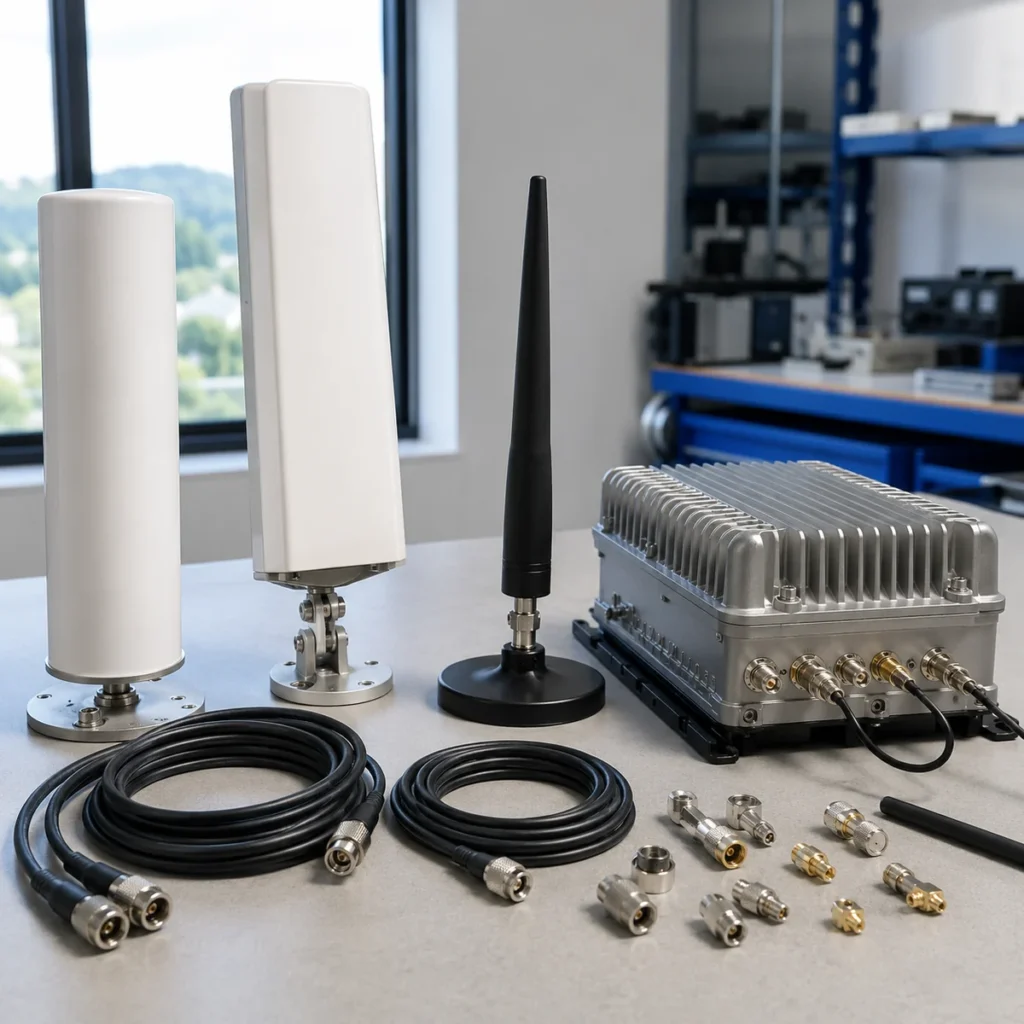
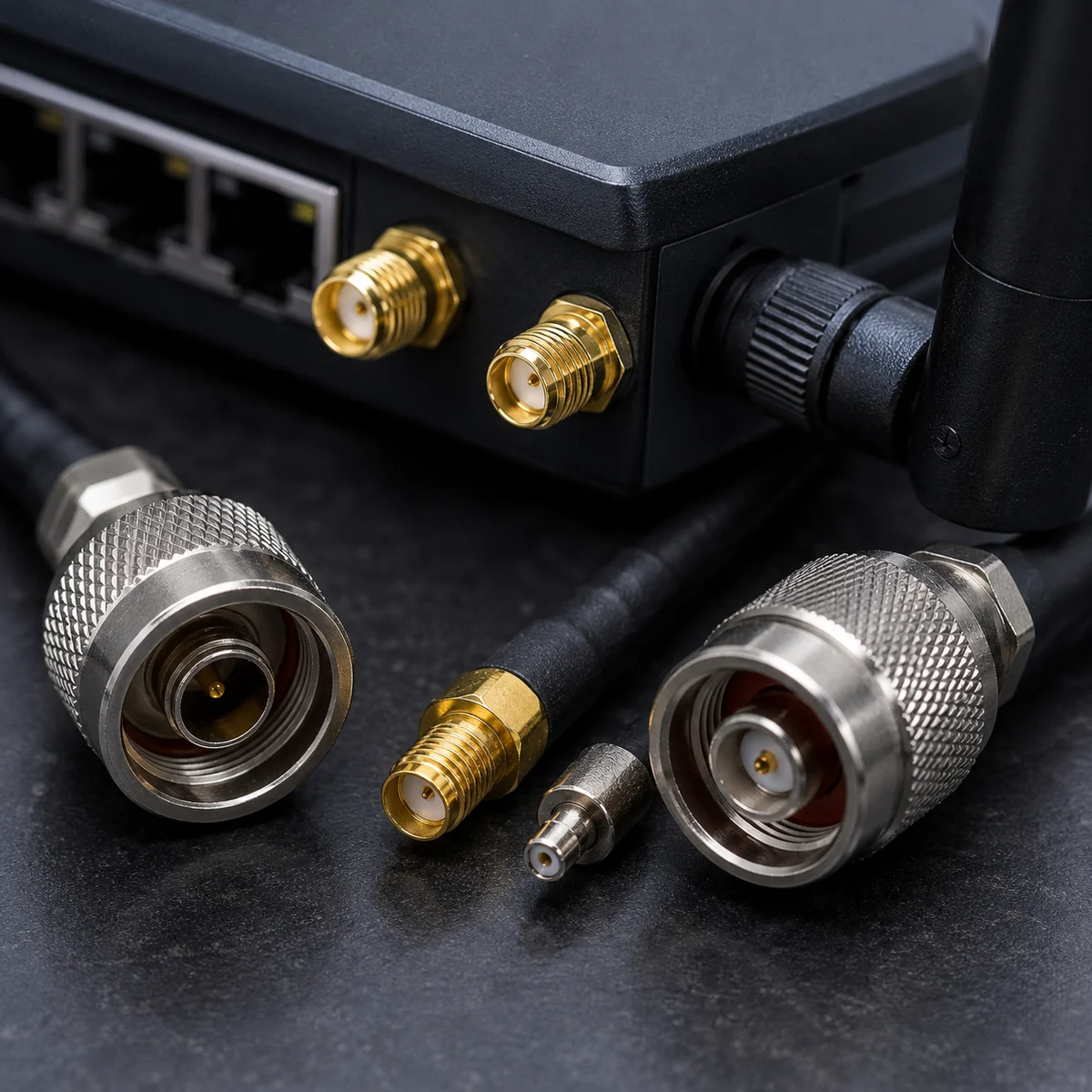
- Connector type. Consumer routers commonly use SMA or TS-9; some gear uses N-type. Confirm the connector and gender before buying, or plan for an adapter.
- Cable length and loss. 5G loses a lot of signal in cable. Keep runs short.
- Mounting and weatherproofing. Outdoors needs IP67 sealing and a UV-stable housing, or it fails in a couple of seasons.
Cellular antenna fit
Need the right cellular antenna for your router, gateway or device?
Share the modem type, frequency bands, MIMO ports, mounting environment and cable length. We can recommend suitable 4G, 5G or MIMO antenna options.
For a 5G router or CPE specifically
Most consumer 5G routers use TS-9 or SMA ports, in pairs of two or four. A 4×4 antenna only helps if the router actually has four ports and the signal is good enough to fill them. If it has two, a 2×2 antenna with more gain is the better spend. Check the port count and connector from the router’s spec sheet, not the box art, because the two often disagree.

Recommended setups by scenario
- Rural or far from the tower: outdoor directional panel, higher gain, aimed with the router’s signal readings.
- Suburban with a workable signal: outdoor omni MIMO dome. No aiming, and it handles more than one carrier.
- Apartment, can’t mount outside: a window or low-profile indoor MIMO antenna. Accept some wall loss as the trade for an easy install.
- RV or vehicle: low-profile screw-mount omni MIMO, weatherproofed for motion and washing.
Installation and cable tips
- Mount as high and clear as practical. Line of sight to the tower matters more than raw gain.
- Aim directional antennas with the router’s RSRP/SINR readout, not by eye. A few degrees off can cost several dB.
- Keep the cable short. Use 195/240-type up to about 15 m, 400-type beyond that, and avoid RG58 at 5G frequencies.
- Weatherproof every outdoor connector. Water in a connector is a slow failure that looks like a dying antenna.
FAQ
What antenna do I need for a 5G router?
One that covers your carrier’s bands, matches your router’s connector (often TS-9 or SMA) and port count (2×2 or 4×4), and suits your location — directional for reach, omni for convenience.
Will an external antenna fix slow 5G internet?
Often, when the cause is a weak or unstable signal. Check the router’s signal stats first; if signal is already strong, the limit is usually the network, and an antenna won’t add much.
Do I need a MIMO antenna for home internet?
If your router has two or four antenna ports, yes — it uses capacity a single antenna would waste. A one-port device does not need MIMO.
What about a 4G or LTE router?
Same approach: match the LTE bands, ports, and connector. A wideband antenna covering 600–6000 MHz works for both 4G and 5G sub-6.
What outdoor antenna is best for a 4G LTE router?
For a fixed LTE router with weak signal, an outdoor MIMO antenna beats an indoor one: pick a directional panel if you know the tower direction, or an outdoor omni if the signal varies or you switch carriers. Mount it as high as clear line-of-sight allows, keep the coax run short to limit loss, and match the router’s port count and connector.
If the project uses 2.4GHz or 5GHz rather than cellular bands, use the outdoor WiFi antenna guide to check radiation pattern, gain, cable loss, connector, and weather exposure.
Conclusion
Choose in order: confirm you need an antenna, match the bands, pick omni or directional for your location, match the MIMO ports and connector, then keep the cable short. That sequence avoids the common mistake of buying on gain alone.
Browse our 5G antennas, 4G and LTE antennas, and MIMO antennas, or read the best 5G MIMO antennas guide for specific models. New to the topic? Start with what an LTE antenna is. For an unusual install, send your router bands, port count, and connector, and our engineering team will match a part.
Ready to specify a product?
Get product suggestions and quotation details for your application.
Share the modem type, frequency bands, MIMO ports, mounting environment and cable length. We can recommend suitable 4G, 5G or MIMO antenna options.
Ask our AI antenna assistant. Enter a keyword or question for a free answer based on this article, Global RF Tech content, and general antenna/RF knowledge.
Do not submit confidential or personal information. Privacy Policy